


How to Check ADAS Cameras and Sensors on a New Car
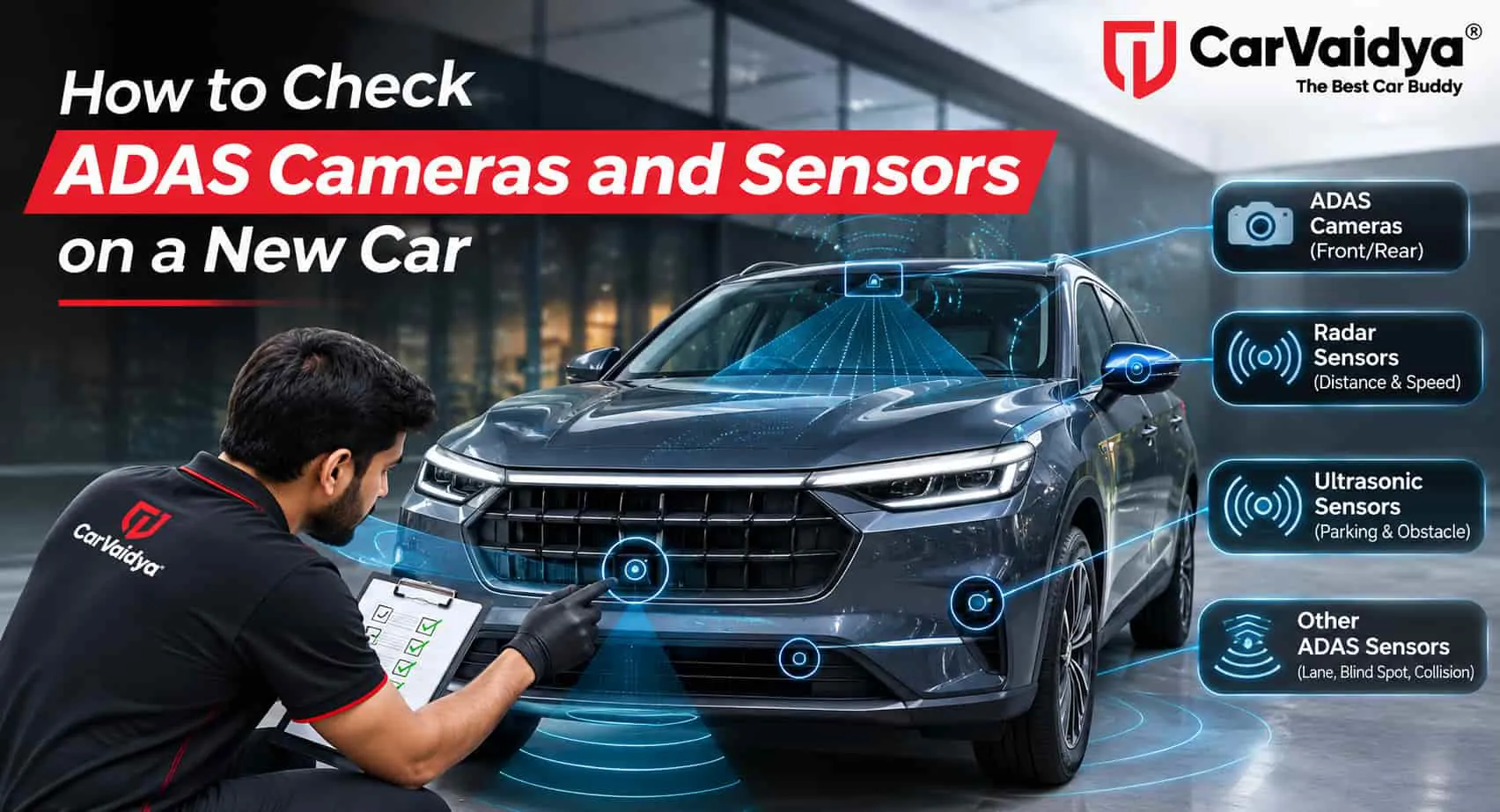
 By CarVaidya
- 17 Nov 2026
ADAS (Advanced Driver Assistance Systems) is no longer limited to luxury cars. Many SUVs, sedans, and even some mid-range cars in India now come with features like automatic emergency braking, lane keep assist, adaptive cruise control, and blind spot monitoring. These features depend on cameras, radars, and sensors placed around the car — and if any of them is damaged, blocked, or misaligned, the system may not work as it should.
On delivery day, ADAS rarely gets more than a quick mention. Yet a cracked bumper, a replaced windscreen, a badly placed sticker, or a loose sensor can quietly affect a safety system you're paying extra for. This guide explains which ADAS parts to check on a new car, how to test them safely, and what warning signs to look for before you accept delivery.
Quick Answer
To check ADAS on a new car, first confirm which ADAS features your variant should have. Then inspect the front camera area on the windscreen, the radar behind the front grille or bumper, the rear corner radars, the parking sensors and the 360-degree cameras for cracks, scratches, dirt or obstructions. Start the car and make sure there are no ADAS warning messages, check that each feature can be switched on in the settings menu, and test camera views and parking sensors while parked. Test driving features like lane keep assist only in safe, permitted conditions, and never test emergency braking against real objects. A diagnostic scan can also reveal stored ADAS fault codes.
What Is ADAS and Why It Needs Checking
ADAS is a group of electronic driver-assistance features that use cameras and sensors to read the road around your car. They can warn you about hazards, help keep the car in its lane, maintain a safe distance from the vehicle ahead, and in some situations apply the brakes automatically. To understand the features in more detail, read about the benefits of car ADAS technology.
These systems are only as good as their sensors. A camera that is slightly misaligned or a radar hidden behind a damaged bumper can give wrong readings, switch off without warning or not work at all. That's why ADAS deserves a place on your pre-delivery inspection checklist.
Common ADAS Features and the Sensors Behind Them
| Feature | What it does | Main sensor (typical) |
|---|---|---|
| Forward Collision Warning / Autonomous Emergency Braking | Warns of a possible collision and can brake automatically | Front camera and/or front radar |
| Lane Departure Warning / Lane Keep Assist | Alerts or steers gently when drifting out of lane | Front windscreen camera |
| Adaptive Cruise Control | Maintains a set distance from the vehicle ahead | Front radar and camera |
| Blind Spot Monitoring | Warns of vehicles in your blind spots | Rear corner radars (or side cameras) |
| Rear Cross Traffic Alert | Warns of crossing traffic while reversing | Rear corner radars |
| High Beam Assist | Switches between high and low beam automatically | Front windscreen camera |
| Traffic Sign Recognition | Reads speed limit signs | Front windscreen camera |
| Parking Sensors and 360° Camera | Help while parking and in tight spaces | Ultrasonic sensors and surround cameras |
Sensor layouts differ between brands and models. Check your owner's manual for the exact locations on your car.
For a closer look at one of these features, see our guide to lane departure warning systems.
Step 1: Confirm Which ADAS Features Your Variant Has
ADAS is often available only on top variants, and the feature list can differ even between trims of the same model. Before inspecting anything, compare your invoice and variant name with the brand's official brochure or website, and list the ADAS features your car should have. This helps you spot a wrong variant or a missing feature straight away.
Step 2: Inspect the Front Windscreen Camera Area
The main ADAS camera usually sits behind the windscreen, near the rear-view mirror. It needs a clear, undamaged view of the road.
- Check for chips and cracks in the windscreen, especially in front of the camera.
- Look for stickers, tags, or films in the camera's field of view. Dealer stickers, temporary registration slips, or a FASTag placed in the wrong spot can block it.
- Check the windscreen markings. A windscreen with different branding or markings from the other glass may have been replaced. A replaced windscreen usually needs ADAS camera calibration.
- Make sure the camera cover is secure and that there is no dust, fog or moisture inside the glass area.
Avoid adding sun-film strips or visor bands across the top of the windscreen, as they can interfere with the camera. Read more on keeping your windscreen safe.
Step 3: Check the Front Radar and Bumper
Many cars place a radar behind the front grille emblem or the lower bumper. Even minor damage here can affect adaptive cruise control and emergency braking.
- Look for scratches, dents, or cracks on the radar cover or the bumper area around it.
- Check the bumper's fitment. Uneven gaps or a bumper that sits slightly off can mean it was removed or replaced. See how to check panel gaps in a new car.
- Look for paint differences on the bumper. Thick or uneven paint over a radar area can affect how the radar works.
- Make sure no number plate frame, bumper guard, or accessory covers the radar.
Step 4: Check the Rear Radars, Parking Sensors and Cameras
- Rear corner radars: Usually hidden behind the rear bumper corners. Check for scuffs, dents, or signs of bumper repair.
- Parking sensors: The small round sensors on the bumpers should be flush, unscratched, and matching in colour.
- Reverse and 360° cameras: Check the lenses on the tailgate, under the side mirrors and on the front grille for scratches, cracks or fogging.
- Mirror indicators: If blind spot monitoring is fitted, check that the warning lights in the side mirrors aren't damaged.
Step 5: Start the Car and Check for Warnings
Turn on the ignition and let the car complete its start-up checks. Then look at the instrument cluster and infotainment screen for:
- Messages such as "ADAS unavailable," "Camera blocked," "Radar blocked," "Check system," or similar
- ADAS-related warning lamps that stay on after start-up
- Any feature that appears greyed out or won't turn on in the settings menu
Some messages may appear briefly if sensors are dirty, so clean them and check again. Warnings that stay on should be raised with the dealer. Learn more about inspecting the dashboard and controls before delivery and what common dashboard warning lights mean.
Step 6: Test What You Safely Can While Parked
- Settings menu: Open the ADAS or driver-assistance menu and check that every feature listed for your variant is present and can be switched on.
- Reverse camera: Shift into reverse and check that the image is clear, the guidelines appear, and the view isn't flipped or distorted.
- 360° camera: Check every view. The stitched top view should line up properly without large gaps or misaligned edges.
- Parking sensors: Ask someone to walk slowly around the car, or place a soft object near each sensor, and confirm that each one beeps and shows on the screen.
- Blind spot indicators: Some cars run a quick light check at start-up. Note whether the mirror indicators light up.
Step 7: Test Driving Features Only When It's Safe
Many ADAS features only work above a certain speed, on clearly marked roads, or in good visibility. If a test drive is allowed:
- Check that lane departure warning or lane keep assist shows lane markings as detected on a road with clear lines.
- Check that adaptive cruise control can be activated and shows a detected vehicle ahead, if road conditions permit.
- Watch for traffic sign recognition reading speed limit signs on the display.
- Notice whether blind spot monitoring lights up when a vehicle passes alongside.
Safety note: Never test automatic emergency braking by driving towards a real vehicle, person, or object. ADAS assists the driver; it does not replace attentive driving. Keep your hands on the wheel and follow the owner's manual and the dealer's instructions at all times.
Step 8: Run a Diagnostic Scan
ADAS modules can store fault codes that don't always show as a dashboard warning. A diagnostic scan can reveal camera, radar or calibration-related codes. Basic OBD scanners may not read every ADAS module, so a professional scan tool gives more complete results. Here's how to use an OBD scanner if you'd like to try it yourself.
Why ADAS Calibration Matters
ADAS cameras and radars are aimed precisely. If a windscreen, bumper, grille or sensor is replaced or disturbed, the system often needs calibration using special equipment to make sure it "sees" correctly. Wheel alignment changes can also affect some systems.
On a new car, this matters because minor transit or stockyard damage is sometimes repaired before delivery. If you notice signs of a replaced windscreen or a repaired bumper, ask the dealer directly whether ADAS calibration was done and request it in writing.
ADAS Warning Signs to Raise With the Dealer
| What you notice | Possible cause |
|---|---|
| ADAS warning message stays on | Blocked, damaged, or faulty sensor; calibration issue |
| Feature missing or greyed out in settings | Wrong variant, software, or sensor fault |
| Windscreen looks different from other glass | Possible replacement; camera calibration needed |
| Bumper gaps uneven or paint mismatched | Bumper repaired or replaced; radar may be affected |
| 360° view edges don't line up | Camera misalignment or calibration issue |
| One parking sensor doesn't respond | Damaged sensor, wiring or connector |
If you find a problem, here's how to discuss PDI findings with the dealer. Don't sign the delivery documents until it's resolved or committed in writing.
Tips to Keep ADAS Working After Delivery
- Keep the windscreen, grille, bumpers and camera lenses clean, especially in dusty and rainy conditions.
- Place your FASTag and any stickers outside the ADAS camera's view, as shown in the owner's manual.
- Avoid bull bars, bumper guards, thick number plate frames or wraps over sensor areas.
- After any windscreen replacement, bumper repair or major alignment work, ask whether ADAS calibration is needed.
- Keep the car's software updated through the authorised service network.
Book a CarVaidya Pre-Delivery Inspection
ADAS adds a lot of electronics to a modern car, and checking it properly takes the right tools. A CarVaidya Pre-Delivery Inspection (PDI) covers ADAS sensor areas, cameras, parking sensors, electricals, panel and paint checks, and a diagnostic scan, with a digital report you can share with the dealer before you accept delivery.
You may also find these guides helpful: common electrical problems found during PDI, checking lights and indicators before delivery, and how ADAS is influencing car buying decisions in India.
Frequently Asked Questions
How do I know if my car's ADAS is working?
Start the car and check that there are no ADAS warning messages, confirm each feature can be switched on in the settings, and test cameras and parking sensors while parked. During a safe test drive, check whether lane markings and vehicles ahead are detected on the display.
Where are ADAS cameras and sensors located?
The main camera is usually behind the windscreen near the rear-view mirror. Radars are often behind the front grille or bumper and in the rear bumper corners. Parking sensors sit on the bumpers, and surround cameras are typically on the grille, side mirrors, and tailgate. Exact locations vary by model.
Can a FASTag or sticker affect ADAS?
Yes, if it's placed in the camera's field of view on the windscreen. Follow the owner's manual for where stickers and tags can be safely placed.
Does a replaced windscreen or bumper need ADAS calibration?
Often, yes. Replacing or disturbing the windscreen, bumper, grille or sensors can change the alignment of ADAS cameras and radars, so calibration is usually recommended. Check with the authorised service centre.
Is it safe to test automatic emergency braking before delivery?
No. Never test emergency braking against real vehicles, people or objects. Instead, check that the feature is enabled in settings, that there are no warning messages, and that a diagnostic scan shows no faults.
Can a normal OBD scanner read ADAS faults?
Not always. Basic OBD scanners mainly read engine and emission codes. A professional diagnostic tool is usually needed to read ADAS camera and radar modules.
Final Thoughts
ADAS can make driving safer, but only if every camera and sensor is in good shape. On delivery day, confirm the features your variant should have, check the windscreen and bumpers for damage or obstructions, look for warning messages, and test what you can safely. If anything looks off, raise it before you sign. A few extra minutes can make sure the safety features you paid for are actually working.

0 Comments