


How to Check Car Loan Hypothecation on RC and Remove It After Loan Closure
 By CarVaidya
- 04 Nov 2026
You've paid your last car loan EMI, and the car finally feels fully yours. But on paper, it may not be. If the bank's name still appears on your Registration Certificate (RC), the car is legally still marked as security for a loan. That can stop you from selling it, transferring it to another state, or making a smooth insurance claim.
Paying off the loan doesn't update your RC automatically. You have to get the hypothecation removed. This guide explains how to check whether your RC shows hypothecation, the documents you need, and how to remove it online or at the RTO.
Quick Answer
To check hypothecation, look for the financier's name on your RC, or search your registration number on mParivahan or the VAHAN portal. To remove it after closing the loan, collect the bank NOC, loan closure letter, and Form 35 signed by you and the lender. Then apply for hypothecation termination on the Parivahan VAHAN portal (or at your RTO), upload the documents, and pay the fee. The RTO updates the RC, usually within 7 to 30 working days.
What Is Hypothecation on an RC?
When you buy a car on loan, the car is used as security for that loan. This arrangement is called hypothecation. You own and use the car, but the lender has a legal claim on it until the loan is repaid. To record this, the RTO adds the lender's name to your RC, usually as "Hypothecated to" or "HP with" followed by the bank or NBFC name.
Once the loan is fully paid, that entry has to be removed. The bank's records and the RTO's VAHAN database are separate systems, so the RC stays unchanged until you, or in some cases your lender, complete the removal.
Why You Should Remove Hypothecation After Closing the Loan
- Selling the car: Buyers and the RTO won't accept an ownership transfer while hypothecation is active.
- Moving to another state: An NOC for re-registration needs the lender's consent, which is easier with a clean RC.
- Insurance claims: In a total loss or theft claim, the payout can go to the lender named on the RC. A clean RC means the money comes to you.
- Full legal ownership: Until it's removed, the car is still recorded as security for a loan you've already paid.
- Avoiding future hassle: Bank documents like the NOC have a limited validity. Delaying the process can mean going back to the bank for fresh papers.
How to Check Hypothecation on Your RC
1. Check the physical or smart card RC
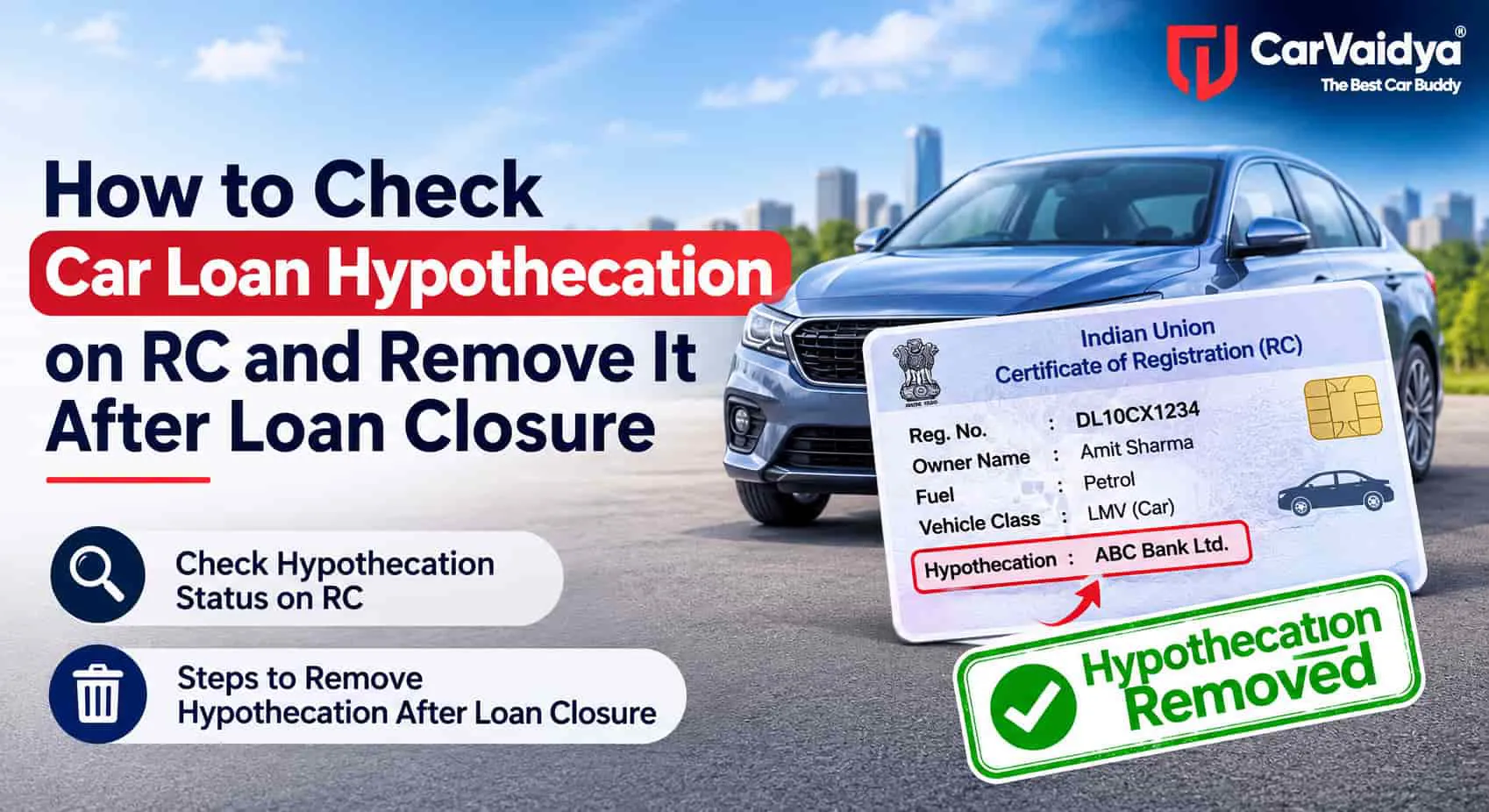
Look for a line such as "Hypothecated to", "HP," or "Financier" with a bank or NBFC name. If it's there, hypothecation is still recorded.
2. Check on mParivahan
- Open the official mParivahan app and sign in with your mobile number.
- Search your registration number, or open your virtual RC if you've added it.
- Look for the financier or hypothecation details in the RC information.
3. Check on the VAHAN portal or DigiLocker
Use the Know Your Vehicle Details option on Parivahan, or open the RC stored in DigiLocker. The digital RC reflects what's in the VAHAN database, so it's the most up-to-date view.
Buying a used car? Always do this check before paying. If the RC shows a financier, ask the seller for the loan closure letter and bank NOC, and make sure hypothecation is removed before or during the transfer.
Documents Required to Remove Hypothecation
| Document | Where you get it |
|---|---|
| Bank NOC (No Objection Certificate) | Your lender, after loan closure |
| Loan closure letter or financier's clearance certificate | Your lender |
| Form 35 (notice of termination of hypothecation) | Usually issued by the bank; also downloadable from Parivahan. Signed by you and the lender |
| Original RC | You |
| Valid insurance policy | You / your insurer |
| Valid PUC certificate | Authorised PUC centre |
| ID and address proof | Aadhaar, passport, voter ID, etc. |
| Fee receipt | Generated after online or counter payment |
Requirements can vary slightly by state. Some RTOs ask for two copies of Form 35 or a pencil print of the chassis number.
Check the bank documents before you leave the branch
- Your name, registration number, chassis, and engine numbers are correct.
- Form 35 has the bank's signature and seal.
- Note the NOC's validity period, often around 90 days, and apply before it expires.
How to Remove Hypothecation Online Through VAHAN
Most states now let you apply for hypothecation termination online. Some process it fully online, while others ask for a short RTO visit to verify documents.
- Go to the official Parivahan website and open Vehicle Related Services.
- Select your state and RTO, then enter your vehicle registration number.
- Choose Hypothecation Termination from the list of services.
- Verify using the OTP sent to your registered mobile number, and enter the last few digits of the chassis number.
- Fill in the loan and financier details as shown on your documents.
- Pay the fee online and download the receipt.
- Upload the signed Form 35, bank NOC, RC, and other required documents.
- If your RTO asks, book an appointment and submit the originals for verification.
- Track the application using your application number until the updated RC is issued.
Tip: Your mobile number must be linked to the vehicle on VAHAN to receive the OTP. If it isn't, update it first through the mobile number update service on Parivahan.
How to Remove Hypothecation Offline at the RTO
- Collect the bank NOC, loan closure letter, and signed Form 35 from your lender.
- Visit the RTO where your car is registered.
- Submit Form 35 along with the original RC, insurance, PUC, and ID proof.
- Pay the hypothecation termination fee at the counter and keep the receipt.
- After verification, the RTO updates VAHAN and issues a new RC without the lender's name.
Digital Hypothecation Removal by Lenders
In 2026, a lender-linked system was introduced that connects some banks and NBFCs directly with the VAHAN database. Where your lender and state support it, loan closure details can be sent straight to VAHAN, so hypothecation can be removed with little or no paperwork on your side.
Coverage isn't universal yet. After closing your loan, ask your lender whether they offer digital hypothecation removal in your state. If they don't, follow the standard VAHAN or RTO process above. Either way, check your digital RC a few weeks later to confirm the update has gone through.
Fees and Timeline
| Hypothecation termination fee | Usually a few hundred rupees; varies by state |
| New smart card RC | May carry a separate small fee in some states |
| Processing time | Typically 7 to 30 working days |
Check the exact fee shown on the VAHAN payment page for your state and RTO.
After Hypothecation Is Removed
- Check the digital RC in mParivahan or DigiLocker and confirm the financier's name is gone.
- Collect the new RC if your state issues a fresh smart card.
- Update your insurance policy. Ask your insurer to remove the lender's name from the policy. Otherwise, a total loss or theft claim payout may still be directed to the bank.
- Keep all loan papers safely — the NOC, closure letter, and Form 35 copy — in case they're needed later.
Common Problems and How to Avoid Them
- NOC expired: Apply soon after you receive it. If it lapses, request a fresh one from your bank.
- Mismatch in details: A spelling error or wrong chassis number on the NOC will get the application rejected. Check every detail at the bank.
- OTP not received: Your mobile number on VAHAN may be outdated. Update it first.
- Pending challans: Unpaid challans can hold up RTO services. Clear them on the e-Challan portal before applying.
- Expired insurance or PUC: Renew them before you apply.
- Online application done, but RC not updated: Some states still need hard copies at the RTO. Check whether your RTO expects a visit.
Need Help Removing Hypothecation?
RTO paperwork can take time, especially when documents or details don't match. CarVaidya's RTO services can help with hypothecation removal, RC updates, challan clearance, and other vehicle documentation, so your RC reflects what you already own.
Frequently Asked Questions
Is hypothecation removed automatically after the loan is closed?
Usually not. The bank's records and the VAHAN database are separate, so you need to apply for hypothecation termination. Some lenders now offer digital removal linked to VAHAN, but you should still confirm the RC has been updated.
How can I check if my car RC has hypothecation?
Look for a financier's name on the RC, or search your registration number on mParivahan, the VAHAN portal, or your digital RC in DigiLocker.
What is Form 35?
Form 35 is the official notice of termination of a hire-purchase or hypothecation agreement. It's signed by both the owner and the lender and submitted to the RTO to remove the lender's name from the RC.
Can I remove hypothecation online?
Yes, in most states. Apply for hypothecation termination on the Parivahan VAHAN portal, upload Form 35 and the bank NOC, and pay the fee online. Some RTOs may still ask you to submit originals in person.
How long does hypothecation removal take?
Typically 7 to 30 working days after the application and documents are submitted, depending on the RTO.
Can I sell my car without removing hypothecation?
Not cleanly. The RTO won't transfer ownership while hypothecation is active. Remove it first, or complete the removal along with the transfer using the bank NOC and Form 35.
What happens if my bank NOC expires?
You'll need to ask your lender for a fresh NOC and Form 35. To avoid this, apply soon after you receive the documents.
Final Thoughts
Closing your car loan is only half the job. The other half is getting the bank's name off your RC. Check your RC, collect the NOC and Form 35 from your lender, apply on VAHAN or at the RTO, and update your insurance once it's done. It takes a little effort now and saves you from delays when you sell, move, or make a claim later.
You can read some other articles
Car Documents Checklist for 2026: RC, Insurance, PUC and Driving Licence
Why Is My Car Jerking While Accelerating?
Ranbir Kapoor Car Collection: Every Car in His Garage with Prices (2026 Update)

0 Comments